How to Build a SaaS Website in Framer
For most SaaS startups, the website is far more than just an online presence. It acts as the company’s primary marketing engine, product showcase, and customer acquisition funnel. Potential users often discover a SaaS product through search engines, social media, or referrals, and the website becomes the place where they evaluate whether the product is worth trying.
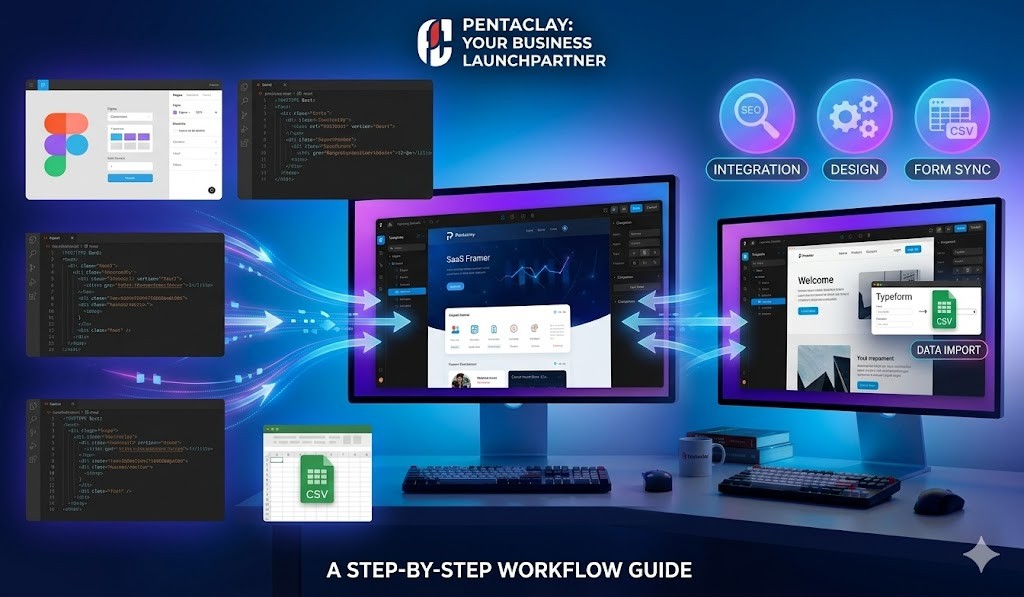
At Pentaclay, we specialize in delivering high-quality Framer templates that are SEO-optimized, conversion-focused, and designed for easy customization. Our templates are crafted with industry-leading best practices, ensuring faster launches and seamless setup for businesses across various sectors.
Because of this, SaaS websites must be designed with a very specific purpose: clearly explaining the product, communicating value, and encouraging visitors to convert into users.
Many startups struggle with this process. Building a professional website from scratch often requires designers, developers, and significant time investment. Early-stage companies rarely have those resources.
This is where modern website builders like Framer have become extremely useful. With the right Framer SaaS templates, startups can launch high-quality websites much faster than traditional development methods.
Framer allows founders, designers, and marketers to build visually impressive websites without complex coding. The platform combines a powerful visual editor, responsive design tools, and modern animation capabilities that make it ideal for SaaS landing pages.
In this guide, we will walk through how to build a SaaS website in Framer, explain why Framer works so well for startup websites, and provide a step-by-step process that helps teams launch faster.
Why Framer is Great for SaaS Websites
When building a SaaS website, founders often compare different website builders such as Webflow, WordPress, or custom development frameworks. Framer has quickly gained popularity among startups because it combines design flexibility with a modern visual editing experience.
Design Flexibility
Framer offers a highly flexible design environment. Unlike rigid website builders, Framer allows designers to control layout structure, spacing, typography, and visual hierarchy with precision.
This flexibility is particularly important for SaaS companies. Product websites often require multiple sections such as feature explanations, integrations, pricing comparisons, testimonials, and case studies. Framer makes it easy to design and organize these sections visually.
Another advantage is rapid iteration. Startups frequently adjust messaging, pricing models, or product positioning. Framer’s visual editor allows teams to update layouts and content quickly without rewriting code.
Animations and Modern UI
Modern SaaS websites rely heavily on motion design to communicate product features effectively. Subtle animations can make interfaces feel more engaging and help demonstrate how the product works.
Framer includes built-in animation tools that make it easy to create:
hover interactions
scroll animations
micro-interactions
animated UI previews
These effects help SaaS websites feel more dynamic and polished.
Landing Page Performance
Website speed is critical for SaaS products. Slow pages reduce conversions and negatively affect search engine rankings.
Framer provides fast hosting and optimized performance out of the box. Pages are built with modern web technologies, which ensures that websites load quickly and work smoothly across devices.
Combined with responsive layouts, Framer helps ensure that SaaS websites look and perform well on desktops, tablets, and mobile devices.
Planning Your SaaS Website
Before starting the design process, it is important to plan the structure of the SaaS website. A well-planned website communicates product value clearly and guides visitors toward conversion.
Product Messaging
Every SaaS website needs a clear value proposition. Visitors should understand what the product does within seconds of landing on the homepage.
A strong hero section typically includes:
a clear headline explaining the product
a short supporting description
a call-to-action such as “Start Free Trial”
The messaging should focus on solving a specific problem rather than describing technical features.
Feature Sections
After the hero section, SaaS websites usually highlight product features. Each feature section should explain how the product helps users accomplish a specific task.
Good feature sections include:
short descriptions
visual screenshots or UI previews
simple benefit statements
Instead of listing dozens of features, focus on the most important ones.
Conversion Structure
The website should guide visitors toward specific actions. These actions may include:
starting a free trial
booking a demo
joining a waitlist
signing up for updates
Call-to-action buttons should appear throughout the website, not just in the hero section.
Step-by-Step Guide to Building a SaaS Website in Framer
Once the planning phase is complete, you can begin building the website.
Step 1 — Choose a SaaS Template
Starting with a Framer SaaS template can save a significant amount of time. Templates provide pre-built layouts designed specifically for product websites.
Good SaaS templates typically include:
hero sections
product features
integrations
testimonials
pricing tables
Using a template allows startups to focus on messaging and branding instead of layout design.
Step 2 — Customize the Layout
Once you select a template, customize it to match your brand identity.
Typical changes include:
color palette
typography
imagery
icons
section order
Framer makes these changes simple using its visual editing interface.
Step 3 — Add Product Sections
Your website should clearly explain what the product does.
Important sections may include:
product overview
feature highlights
integrations
workflow demonstrations
Adding screenshots or UI previews can help visitors understand the product quickly.
Step 4 — Add a Pricing Section
Pricing is a critical component of SaaS websites.
Most SaaS products use tiered pricing models such as:
starter plan
professional plan
enterprise plan
Pricing tables should clearly explain differences between plans and encourage users to upgrade.
Step 5 — Publish the Website
After completing the design, publish the website using Framer’s hosting platform.
Before launching, test:
mobile responsiveness
navigation
loading speed
call-to-action links
Ensuring everything works smoothly helps create a better user experience.
Best Framer Templates for SaaS
Choosing the right template can significantly accelerate the website creation process.
Metony
Metony is a modern SaaS template designed for startups launching new products.
Best use case: SaaS landing pages
Key features: product showcases, pricing tables, testimonials
Saatify
Saatify focuses on modern UI design and animated interactions.
Best use case: AI tools and technology startups
Key features: animated layouts, feature highlights
ClayAI
ClayAI is built specifically for AI startups.
Best use case: machine learning tools
Key features: futuristic UI design and product demonstrations
Pentos
Pentos is a flexible startup template with strong conversion sections.
Best use case: early-stage SaaS products
Key features: clean layouts and call-to-action sections
Findays
Findays focuses on simplicity and clarity.
Best use case: productivity tools and business platforms
Key features: minimalist design and feature explanations
SEO Tips for SaaS Websites
Search engine optimization is one of the most effective ways for SaaS companies to attract users.
Target Problem-Based Keywords
Instead of focusing only on product names, SaaS websites should target keywords related to user problems.
For example:
“best project management tools”
“how to automate workflows”
Create Content Around Use Cases
Blog posts and guides can attract traffic from potential customers researching solutions.
Use Internal Linking
Link blog posts to product pages and landing pages. This improves both SEO performance and user navigation.
Optimize Page Speed
Fast websites rank better in search engines and improve conversion rates.
FAQs
Is Framer good for SaaS websites?
Yes. Framer provides powerful design tools and fast hosting, making it a strong choice for modern SaaS websites.
Do Framer SaaS templates support CMS?
Many templates include CMS functionality that allows teams to publish blog posts and updates easily.
Can startups launch quickly with Framer?
Yes. With the right template, startups can launch a professional website in just a few days.
Are Framer websites SEO friendly?
Framer websites support SEO features such as meta tags, structured content, and fast performance.
Can SaaS companies scale with Framer?
Yes. Many startups use Framer for marketing websites while scaling their products independently.
Building a SaaS website can seem overwhelming for early-stage startups, but modern tools have made the process much easier. Platforms like Framer allow founders and teams to design professional websites quickly without requiring extensive development resources.
By starting with a high-quality template, customizing the design, and structuring the website around product messaging and conversion goals, startups can launch effective websites that attract users and communicate product value clearly.
For teams looking to build a SaaS website in Framer, the key is to focus on clear messaging, strong design structure, and fast performance. With the right approach and the right Framer SaaS templates, launching a professional startup website can be much faster than expected.