
Framer photography templates
Browse 2 Framer templates for photographers, all free.
 Need a custom Framer site? StudioWe design and build B2B websites in Framer, ready for your team to edit and launch.
2 templates
2 templates

No templates match. Try another search or filter.
Choosing a photography website template
A photographer’s website is judged on the pictures in the first few seconds, so the layout has to step back and let large images lead. After that, clients want to know what you shoot, roughly what a session costs and how to book a date. A good photography website template gives you full-width galleries, a page per series or shoot, a packages page and a booking form, so the site answers those questions without email back and forth.
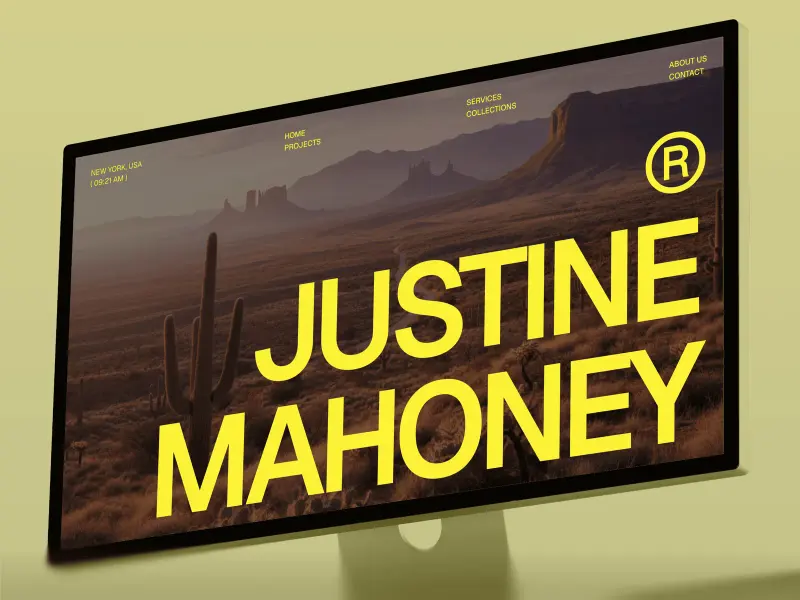
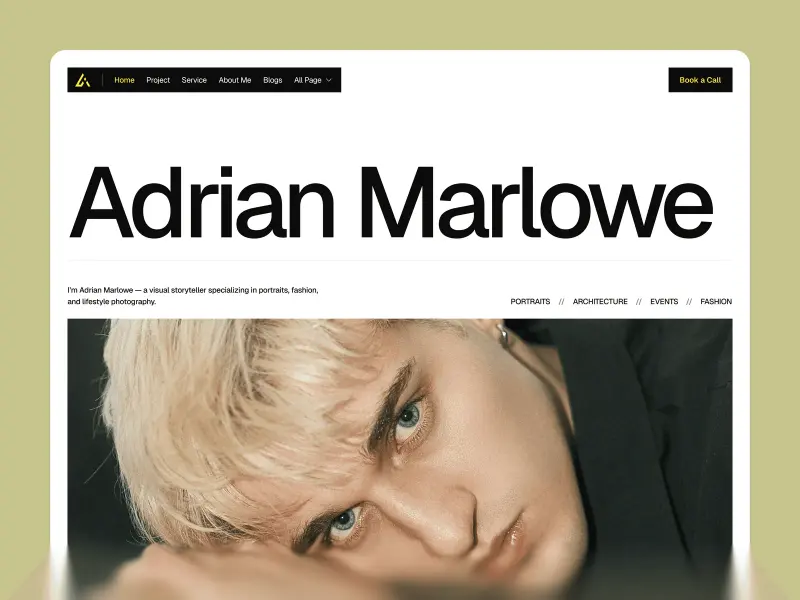
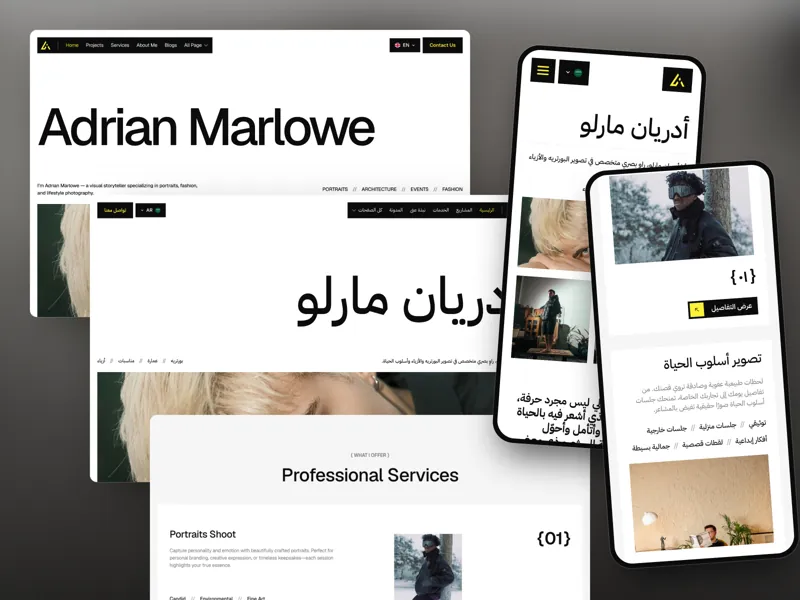
Both templates here are free. Justine Mahoney suits a working photographer who also sells prints: it has CMS series pages, a blog for behind-the-scenes posts, a pricing page and a Prints / Shop page. Marlowe is the lighter pick for portrait, wedding or editorial work, with a gallery overview, series detail pages, packages and a contact and booking page.
Questions about Framer photography templates
Which of these templates lets me sell prints?
Justine Mahoney. It includes a Prints / Shop page next to the portfolio, blog and booking pages. Marlowe focuses on the gallery, packages and booking.
Can I add a new shoot without rebuilding a page?
Yes. Justine Mahoney keeps each project or series in the Framer CMS, so a new shoot is a new CMS item with its own detail page.
Do these photography templates cost anything?
No. Justine Mahoney and Marlowe are both free in Framer. You only pay for a Framer site plan if you want a custom domain.
We write, design and build custom websites
Pentaclay designs and builds websites for B2B AI companies that sell to enterprises.