Do I Need Any Additional Software Or Plugins To Use A Template?
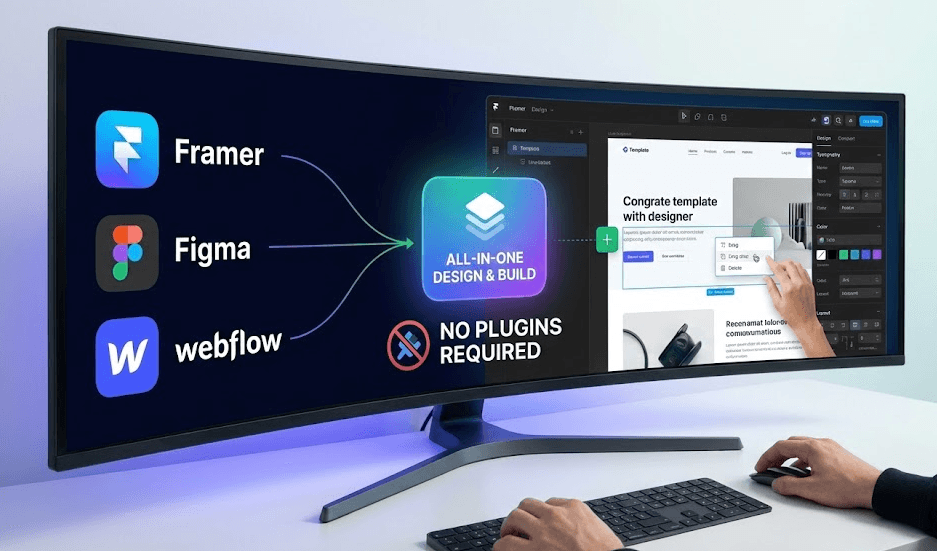
No, you don’t need specific extra software and plugins to use any templates, whether it is from Framer, Figma, or Webflow. Each templates come with its own editor, layout engine, and publishing system. You can start building any website with ready-made components and clean structures. Moreover, you may need plugins only to perform some advanced logic. Such as gated content, automation, or external data sync.
Pentaclay gives you a sharper head start. You get premium Framer, Webflow, and Figma templates built for speed, conversions, and growth. Our library expands each month, staying SEO-ready, performance-focused, and easy to customize across unlimited projects.
What You Need to Start Using Each Template Type
To effectively begin using modern web-based templates like Framer, Figma, and Webflow, your primary requirement is simply a free user account on the respective platform, accessed through a modern web browser. Here is more you need to know:
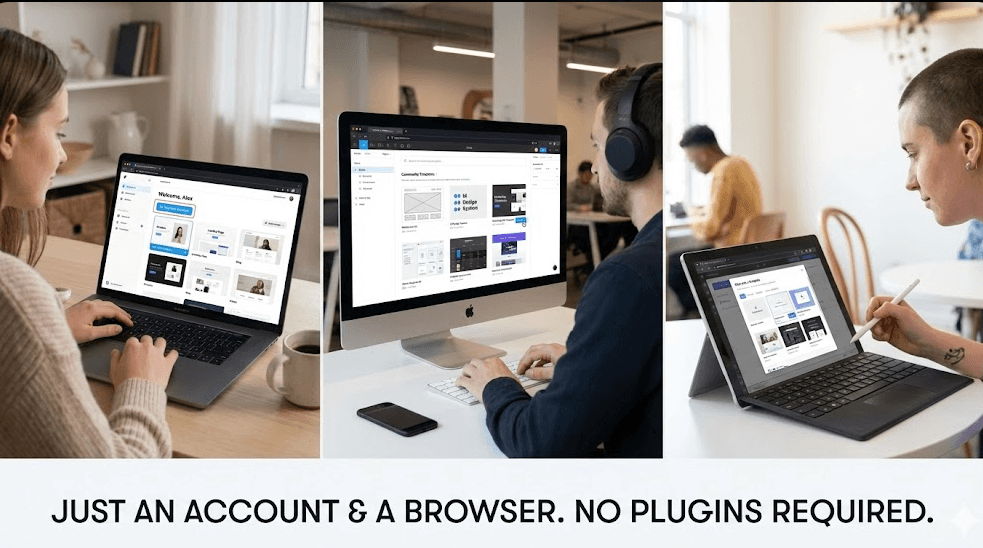
Framer Templates
Framer templates are meticulously designed to build and host functional, high-fidelity websites. To jump into the process, you must first sign up for a free Framer account. The template is accessed via a unique "Remix Link," which instantly duplicates a full, editable copy into your personal workspace.
Consequently, no specific plugins are required to open or edit the core template functionality, as Framer is an all-in-one design and publishing tool. However, you will eventually need to consider a paid Framer hosting plan if you wish to publish the site to your own custom domain for the world to see.
Figma Templates
Figma templates are primarily utilized for graphic and UI/UX design collaboration, rather than direct website hosting. To start using one successfully, you only need a Figma account and a modern web browser that supports WebGL. Typically, you will copy the template from the Figma Community or a shared file link directly into your drafts. While the template functions perfectly without them, designers often install Figma plugins to efficiently enhance the template's placeholder content. You can boost your workflow speed.
Webflow Templates
Webflow templates represent complete, responsive website builds that are ready for immediate customization and hosting. All you need to do is create a Webflow account and then acquire the template, which is immediately cloned into a new project within your dashboard.
As a result, everything you need to edit the site, starting from the Designer, CMS, and style guide, is fully integrated into the web-based Webflow platform. Much like Framer, no specific plugins are mandatory, but you will need a paid site plan to connect a custom domain and access essential features.
When Do You Actually Need Extra Plugins or Tools?
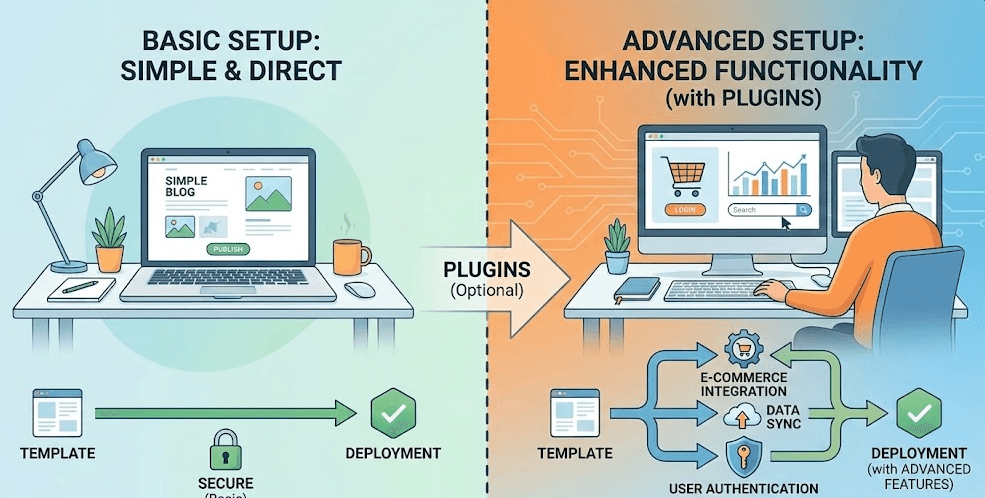
Extra tools stay optional for basic template editing. You use them only when you want advanced functions that Framer, Figma, or Webflow do not cover natively. Next, we will break down the exact moments you will need them so you can decide with clarity.
For Advanced Functionality
You need extra tools when your project demands logic that goes beyond visual editing.
E-commerce sites need structured systems. You can use Memberstack or Monto for payments, user data, cart logic, and inventory tracking.
User authentication needs dedicated services. You can use Memberstack or FramerAuth to protect gated content and manage secure sign-ups.
Live search needs real-time filtering. Jetboost adds dynamic search and category-based filtering to Webflow-driven content. These tools add logic that native editors do not provide.
For Workflow and Design Automation (Figma)
You use plugins to speed up repetitive tasks or to maintain clean design files.
Content plugins add realistic data. Content Reel or Lorem Ipsum fills text quickly so you can structure layouts faster.
Asset plugins insert design elements. Iconify gives you instant access to icon libraries. Unsplash gives you large image sets.
Workflow plugins improve structure. Rename It organizes layer names. Contrast checks accessibility and color ratios. These plugins cut manual work and keep your design files tidy.
For Cross-Platform Connections (All Platforms)
You need integrations when your project pulls data or sends information to external systems.
Data sync connects your CMS to external sheets. Google Sheets Sync pulls rows into your CMS so you can update content from a spreadsheet.
Design handoff needs translation tools. Figma to Webflow moves layouts into Webflow without manual rebuilding.
CRM and form automation need external bridges. Zapier connects form submissions to tools like HubSpot, Mailchimp, or Notion. From here, you can add plugins only when your workflow demands integrations, automation, or complex logic.
Common Misconceptions About Plugins in Template Platforms
Many creators believe templates need plugins for core features. These ideas often come from older systems. You can avoid confusion once you see what actually matters. Here are the misconceptions you may encounter and the truth behind each one.
Misconception 1: “Templates need plugins to work correctly.”
Truth: You do not need plugins to run a template in Framer, Figma or Webflow. Each platform loads its layouts, components and interactions through its own engine. You can open a template and start editing without any additional software.
Misconception 2: “Plugins fix performance or speed issues.”
Truth: Performance depends on your structure, not plugins. You improve speed by reducing heavy media, cleaning your hierarchy and using platform-native layout features. Plugins do not optimize rendering engines or hosting layers.
Misconception 3: “Plugins add missing styling options.”
Truth: Each platform gives you full styling control. You manage spacing, grids, containers, animations and typography inside the editor. No plugin can expand these core styling systems because they run at the platform level.
Misconception 4: “You need plugins to publish a complete site.”
Truth: Framer and Webflow give you built-in hosting and publishing tools. You can connect a domain, deploy updates and manage SEO settings inside the platform. The publishing workflow does not depend on external add-ons.
Misconception 5: “Plugins are required for responsive design.”
Truth: Responsive logic comes from native layout systems. Framer uses stacks and fluid constraints. Webflow uses flex and grid. Figma uses Auto Layout. You create responsive designs without extra tools.
In Closing
You now understand where plugins matter and where they do not. Each platform gives you a defined workflow, so you choose tools based on project goals rather than guesswork. This clarity keeps your builds lean, reduces setup friction and lets you ship with confidence. You gain a smoother path from design to production with fewer moving parts.
Pentaclay gives you templates crafted for speed and clarity. Explore our collection and upgrade your workflow with designs built for real results.
Frequently Asked Questions
Question: Do Templates Require Coding Knowledge To Customize?
Answer: You can edit Framer, Figma, and Webflow templates without code. You adjust layouts, content, and styling directly in the editor. You write code only for advanced logic or custom integrations.
Question: Can I Use One Template Across Multiple Projects?
Answer: You can reuse most templates across many builds. Each platform sets its own license rules, so check usage terms before starting. Many premium templates offer unlimited project rights.
Question: Will My Template Work On Mobile Without Extra Tools?
Answer: Modern platforms handle responsive behavior natively. You refine breakpoints, spacing, and layout rules inside the editor. You do not need plugins for mobile adjustments.
Question: Can I Add Analytics Or Tracking Without Plugins?
Answer: You can add scripts directly through each platform’s settings panel. You insert tracking IDs, custom events, and pixels without external tools. Plugins only expand automation or data routing.