Best Webflow SaaS Templates
Looking for the best Webflow SaaS templates to launch your product and convert more visitors into signups? Whether you need a Webflow SaaS landing page template with a conversion-ready hero, Webflow templates for SaaS startups at the MVP stage, or a full Webflow SaaS website template with pricing tables, blog CMS, and integration sections — this curated collection covers every SaaS product type, from B2B platforms to AI tools, with modern design and no-code customization from $59.


Choosing the right Webflow SaaS template is easier when you compare the strongest options side by side. This page helps you find designs that match your goals, your audience, and the specific conversion challenge your SaaS product faces at its current growth stage.
Launching a SaaS product is one thing. Communicating it clearly enough that a cold visitor — someone who has never heard of you, has no reason to trust you yet, and is making a snap judgment about your product's quality and relevance in the first ten seconds — decides to sign up, book a demo, or join a waitlist is something else entirely. Most SaaS websites fail not because the product is bad but because the website does not do the explanation and trust-building work that the product needs it to do before a visitor will commit.
That is where the best Webflow SaaS templates make a real and measurable difference. Instead of starting from scratch with a blank canvas and spending weeks figuring out page architecture, section sequencing, and conversion flow, you start with a proven structural foundation that has already solved those problems — and spend your time on the 20% that is uniquely yours: your positioning, your copy, your product UI, and your brand.
In this guide you will find a curated selection of premium Webflow SaaS templates designed specifically for SaaS products at every stage — from early-stage MVPs capturing waitlist signups to B2B enterprise platforms driving demo requests to AI-powered tools explaining abstract capabilities to skeptical buyers. Each template is selected based on its conversion architecture, structural fit for specific SaaS product types, and real-world performance rather than visual impressiveness alone.
What Makes a Great Webflow SaaS Template
A SaaS website is not just a digital brochure — it is part of your product experience. The moment a visitor lands on your page, they are beginning to form a judgment about your product's quality, reliability, and fit for their specific problem. A poorly structured SaaS site communicates that the product itself is probably just as confusing. A well-designed one communicates that your team understands the problem, has a clear solution, and can be trusted with a user's time and money.
Three things separate a genuinely effective Webflow SaaS template from one that just looks impressive in a preview.
Conversion-first page architecture. Every section needs to have a clear purpose tied to a specific stage of the buyer's decision-making process. The hero converts or loses the visitor. The features section builds understanding. The social proof section addresses skepticism. The pricing section removes the final objection. Strong SaaS templates are engineered so that each section hands off cleanly to the next, guiding a cold visitor from curiosity to conversion without friction or confusion at any stage of the scroll.
Product storytelling structure. SaaS products are often complex, and your website needs to simplify that complexity without dumbing it down. The best SaaS templates break down features into digestible sections, use product UI screenshots to make abstract capabilities concrete, and guide visitors through a logical narrative — from the problem they recognize to the solution your product delivers to the specific outcome they can expect. This narrative structure is what converts browsers into trial signups rather than visitors who found the product interesting but were not quite sure what it actually did.
Scalability for a growing product. The template you launch on at the MVP stage should still be working for you twelve months later when your feature set has expanded, your pricing has evolved, and your content marketing is generating real traffic. Strong Webflow SaaS templates are built with long-term flexibility in mind — CMS structures that scale, page architectures that accommodate new sections, and design systems that remain coherent as you add new pages and content over time.
Key Features to Look For in Webflow SaaS Templates
Not all SaaS templates are built equally. These five criteria are what actually matter when evaluating options for a SaaS product website — and they are significantly more important than visual design preferences.
Pricing tables with plan comparison. Your pricing section is one of the most conversion-critical pages on any SaaS website — it is where a visitor makes the decision to convert or leave. Look for templates with pre-built plan comparison layouts — monthly and annual billing toggle, feature checklist per tier, a highlighted recommended plan, and clear CTA buttons per plan. A well-designed pricing table makes the conversion decision easy; a poorly structured one creates doubt and drives visitors to competitors.
Product UI showcase and demo sections. The fastest way to convert a SaaS visitor is to show them the product working. Templates with dedicated product UI screenshot sections, feature demonstration layouts, or walkthrough sections give visitors visual evidence of your product's quality before they have to request a demo or start a trial. This is especially important for complex B2B products where the buying cycle is longer and trust needs to be established before a visitor will commit to a discovery call.
Webflow CMS for content marketing. Organic content is the most cost-effective long-term acquisition channel for most SaaS businesses. Your template should include a blog section with proper Webflow CMS collection structure — individual post pages, category support, and an auto-updating list view. This gives you the content marketing infrastructure to build SEO authority from launch day without needing to rebuild your site structure later.
Integration and tech stack sections. SaaS buyers — especially B2B buyers — evaluate your product's integration ecosystem early in the decision process. Templates with pre-built integration logo grids, tech stack showcase sections, or API and partner pages give you the structural space to present your ecosystem credibly and address the integration question before a visitor has to ask it in a demo call.
Responsive design and load performance. Your SaaS audience accesses your site from multiple devices and evaluates your product quality partly on how well your website itself performs. A template with broken mobile layouts or slow load times is communicating exactly the wrong thing about your product's engineering quality. Every template in the Pentaclay Webflow collection is fully responsive and built with clean Webflow code that supports fast load times and strong Core Web Vitals scores.
Best Webflow SaaS Templates
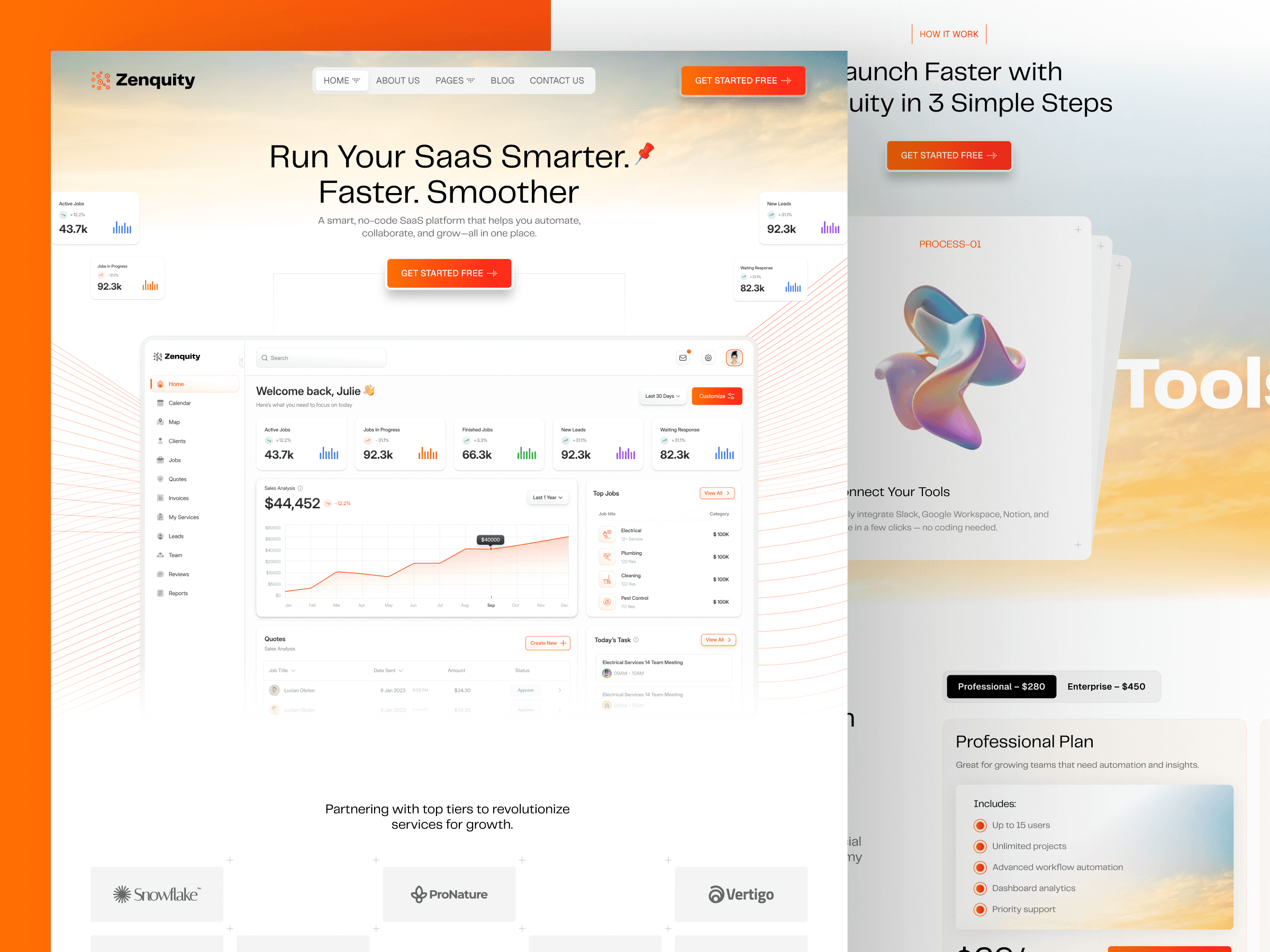
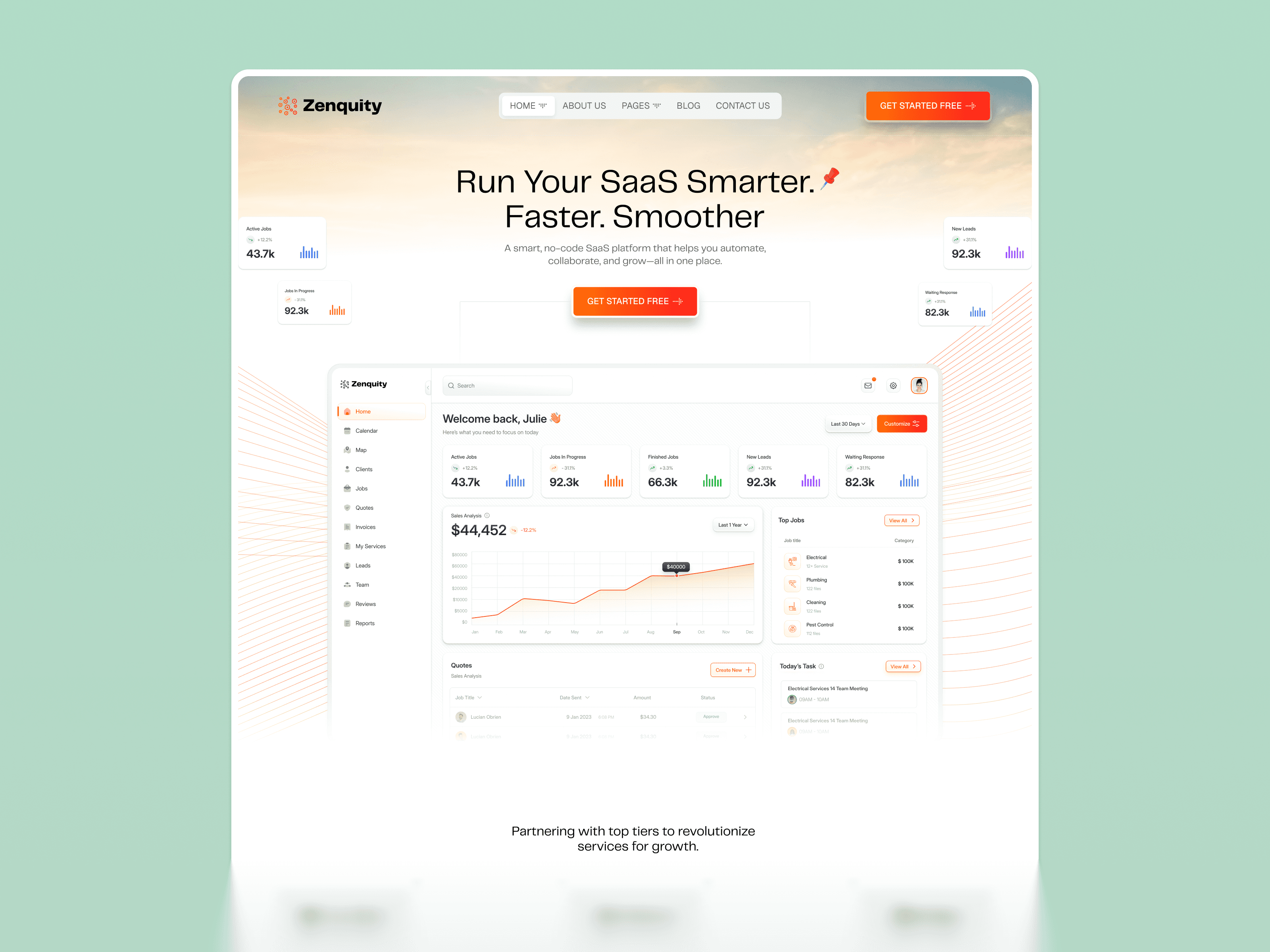
Zenquity is built for B2B SaaS platforms, enterprise software products, and technical solutions targeting mid-market or enterprise buyers who evaluate software on structure, reliability, and depth of capability before they evaluate it on aesthetics. The design system is clean, authoritative, and deliberately structured — reflecting the organizational clarity and professional credibility that B2B buyers expect to see in a product they are about to recommend internally or integrate into their existing technology stack.
The page architecture is engineered around the B2B buyer journey, which is longer and more skeptical than the consumer or SMB buying process. Problem statement in the hero, structured capability proof in the features section, integration ecosystem in the tech stack showcase, enterprise social proof in the case study section, and a demo request CTA rather than a self-serve trial button — all of these structural decisions reflect a deep understanding of how enterprise SaaS is actually evaluated and purchased when multiple stakeholders are involved in the buying decision.
Best for: B2B SaaS platform founders, enterprise software product teams, technical solutions targeting mid-market buyers, developer tools with enterprise sales motion, API-first products selling to technical decision-makers, and any SaaS team whose primary conversion goal is a demo request or sales conversation rather than a self-serve trial signup.
What's included:
Clean, authoritative B2B design system built for enterprise buyer credibility
Problem-led hero with enterprise positioning and demo request CTA
Structured capability breakdown with technical and business outcome framing
Integration ecosystem and tech stack showcase section
Enterprise case study layout with challenge, solution, and business result structure
Client logo and institutional social proof section
Pricing table structured for enterprise plan comparison
Webflow CMS for case studies, technical blog, and documentation pages
Why it stands out: Zenquity is built for the specific conversion challenge of enterprise B2B SaaS — getting a risk-averse business buyer past their skepticism and into a genuine product evaluation conversation. The demo-request-oriented CTA structure, enterprise social proof placement, and structured capability breakdown are all architectural decisions that reflect how B2B software is actually evaluated and purchased. For any SaaS team selling upmarket to organizations where multiple stakeholders are involved in the buying decision, Zenquity is the most strategically appropriate template in the Pentaclay Webflow collection.

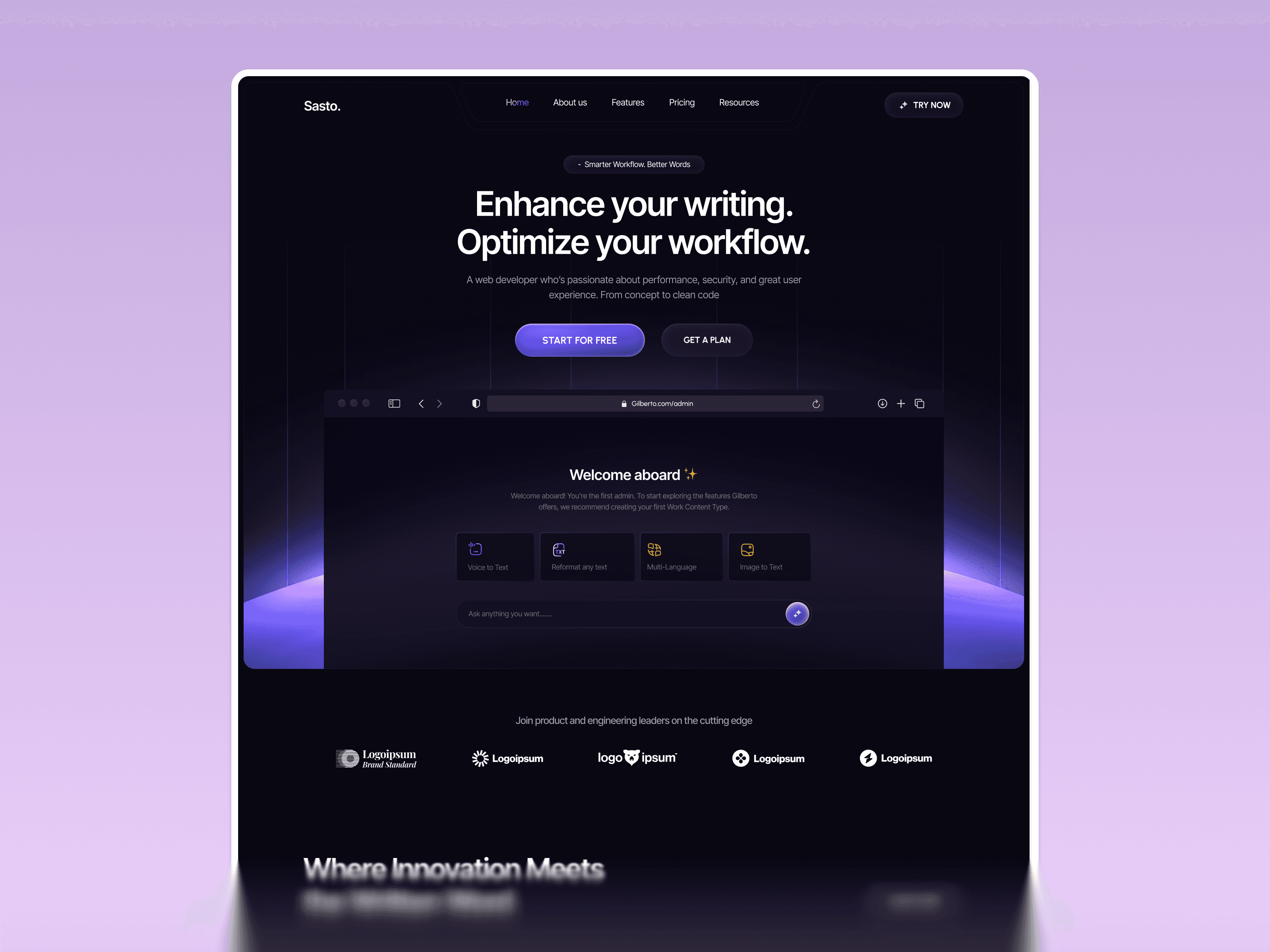
Gilberto is the most design-forward template in the Webflow SaaS collection — a deep dark, sophisticated layout built specifically for AI SaaS products, productivity platforms, and workflow tools where the visual sophistication of the website is itself a signal of the product's quality and technical depth. The hero demonstrates exactly the kind of capability-led positioning that works for AI and productivity SaaS: it names what the product does and names the outcome without spending fifty words explaining the mechanism, then lets the product UI panels do the rest of the explaining.
The deep dark design system with multi-panel product UI showcase and platform stats section gives Gilberto an immediately enterprise-grade aesthetic that most early-stage SaaS startups cannot achieve from scratch. The combination of sophisticated visual design and structured social proof placement creates the kind of first impression that converts skeptical visitors into genuinely curious ones — which is the critical first conversion step for any AI or productivity SaaS product entering a market where buyers have already been disappointed by overpromising competitors.
Best for: AI writing and productivity SaaS products, workflow automation platforms, content intelligence tools, AI-native SaaS startups with a strong visual brand identity, developer-adjacent tools with a technical buyer, and any SaaS founder who wants their website to communicate technical sophistication and product depth immediately upon landing — before a visitor has had to request a demo or read a feature list.
What's included:
Deep dark mode design system with editorial typographic hierarchy
Multi-panel product UI showcase demonstrating the product across multiple contexts simultaneously
Platform capability and integration count social proof section
User stats and traction metrics display with visual emphasis
Pricing section with plan comparison and recommended plan highlight
Testimonials and credibility sections with named attribution
Webflow CMS blog support for content marketing and SEO
Why it stands out: Gilberto stands apart from most dark SaaS templates because it has a genuinely distinctive visual identity rather than just a dark background with neon accents. The multi-panel UI showcase section is the single most effective structural element for early-stage SaaS — it shows the product working across multiple contexts simultaneously, communicating feature depth to a visitor who has not yet had a demo and may never request one. For any AI or productivity SaaS startup where the website's visual sophistication is itself a conversion signal, Gilberto is the strongest investment in the Webflow collection.
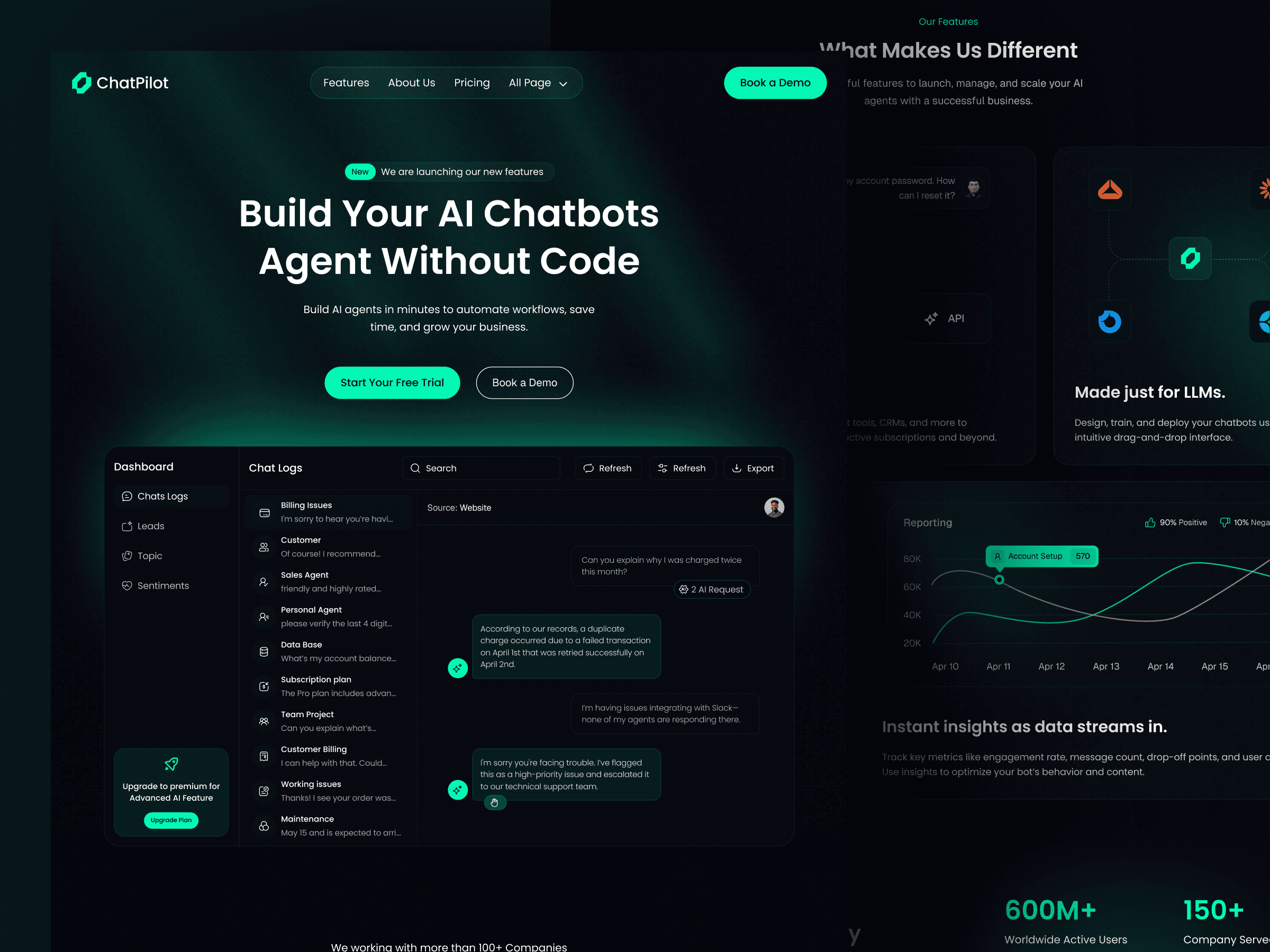
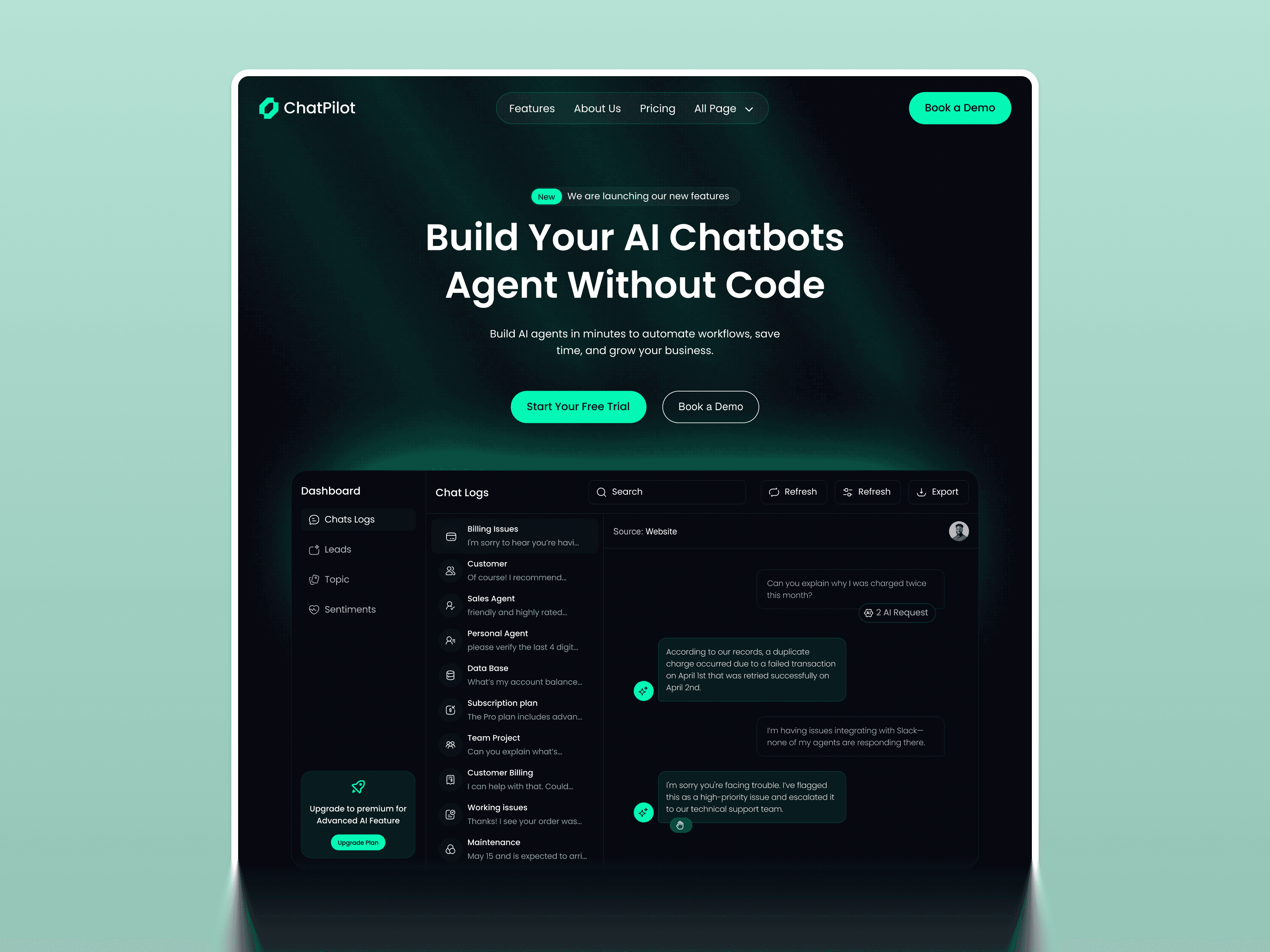
Chatpilot is the most purpose-specific template in the Webflow SaaS collection — built exclusively for conversational AI products, chatbot platforms, AI agent builders, and any SaaS product whose core experience is a dialogue or conversation interface. The hero is the most direct SaaS headline in the collection: it names the product type, names the primary benefit, and removes the biggest objection all in a single line. There is no ambiguity about what this SaaS product does or who it is for — which is the most important conversion characteristic a SaaS hero section can have.
The dark terminal-style design system with bold accent tones is immediately recognizable as developer-adjacent and technical — the right visual register for a chatbot or AI agent SaaS where the primary buyer is a technical founder, a product lead, or a developer advocate who evaluates tools primarily on capability and integration depth rather than marketing presentation or visual polish. The chat UI showcase visible in the hero and the step-by-step explanation section turn an abstract product into something a buyer can visualize using immediately.
Best for: AI chatbot SaaS products, conversational AI platforms, AI agent builders and orchestration tools, customer support automation software, developer-facing AI APIs, and any SaaS team whose core product experience is a chat or dialogue interface that buyers need to understand and trust before they will integrate it into their own product or workflow.
What's included:
Dark terminal-style design system with bold accent tones and developer-adjacent aesthetic
Chat interface UI showcase visible in the hero section
Operational metrics section for social proof through real usage numbers
Step-by-step product explanation section showing how the AI agent works
Feature and capability breakdown in structured visual format
Integration and API showcase section
Webflow CMS support for blog, documentation links, and product updates
Why it stands out: Chatpilot solves the hardest challenge in selling conversational AI SaaS — making an abstract product experience concrete before a visitor has to request a demo or start a trial. The chat UI visible in the hero, combined with the operational metrics section and the step-by-step explanation, gives a first-time visitor three separate forms of product proof before they have scrolled halfway down the page. For any conversational AI or chatbot SaaS product, Chatpilot is the only template in the Webflow collection built specifically around your product type and your buyer's evaluation process.
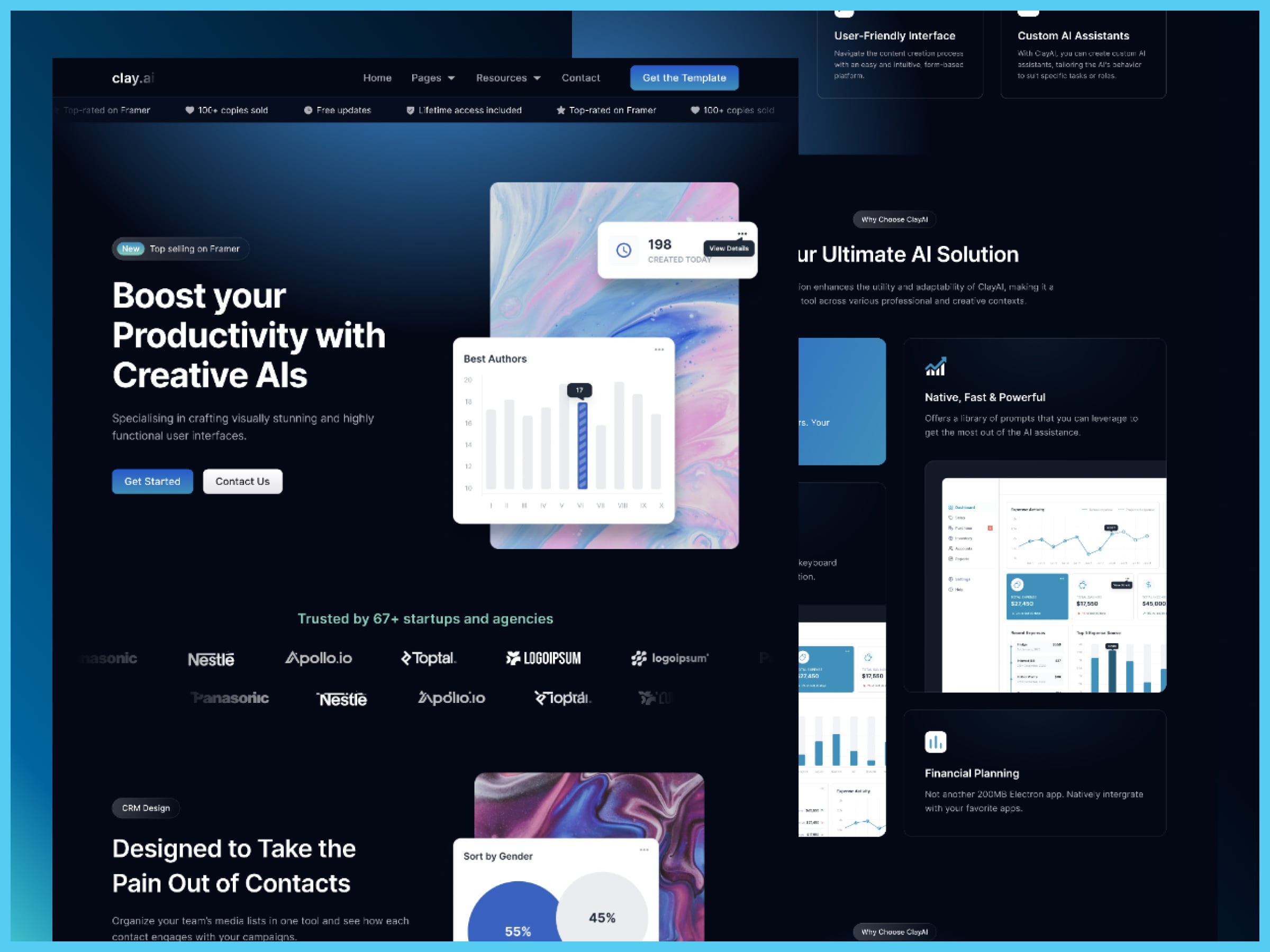
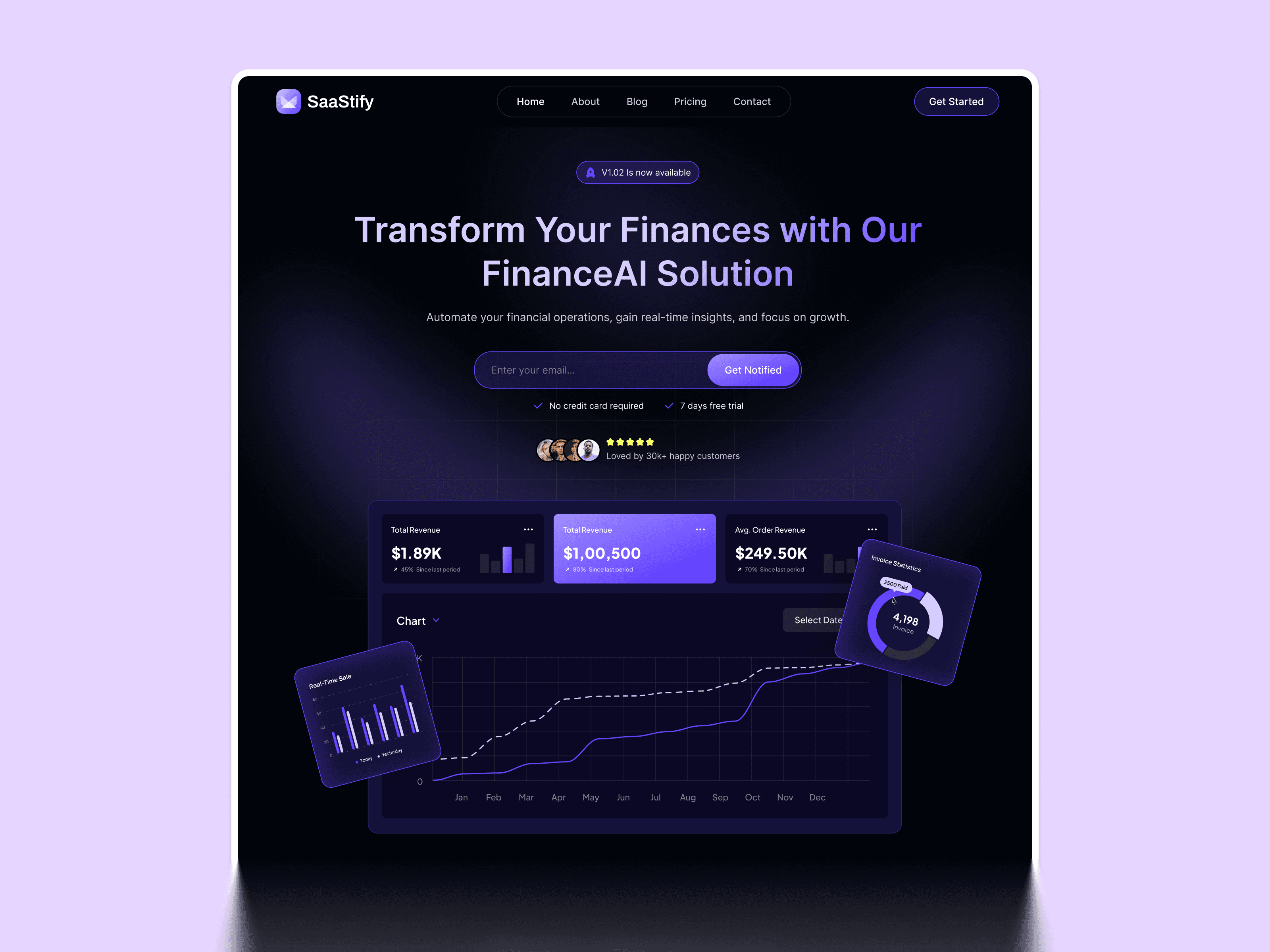
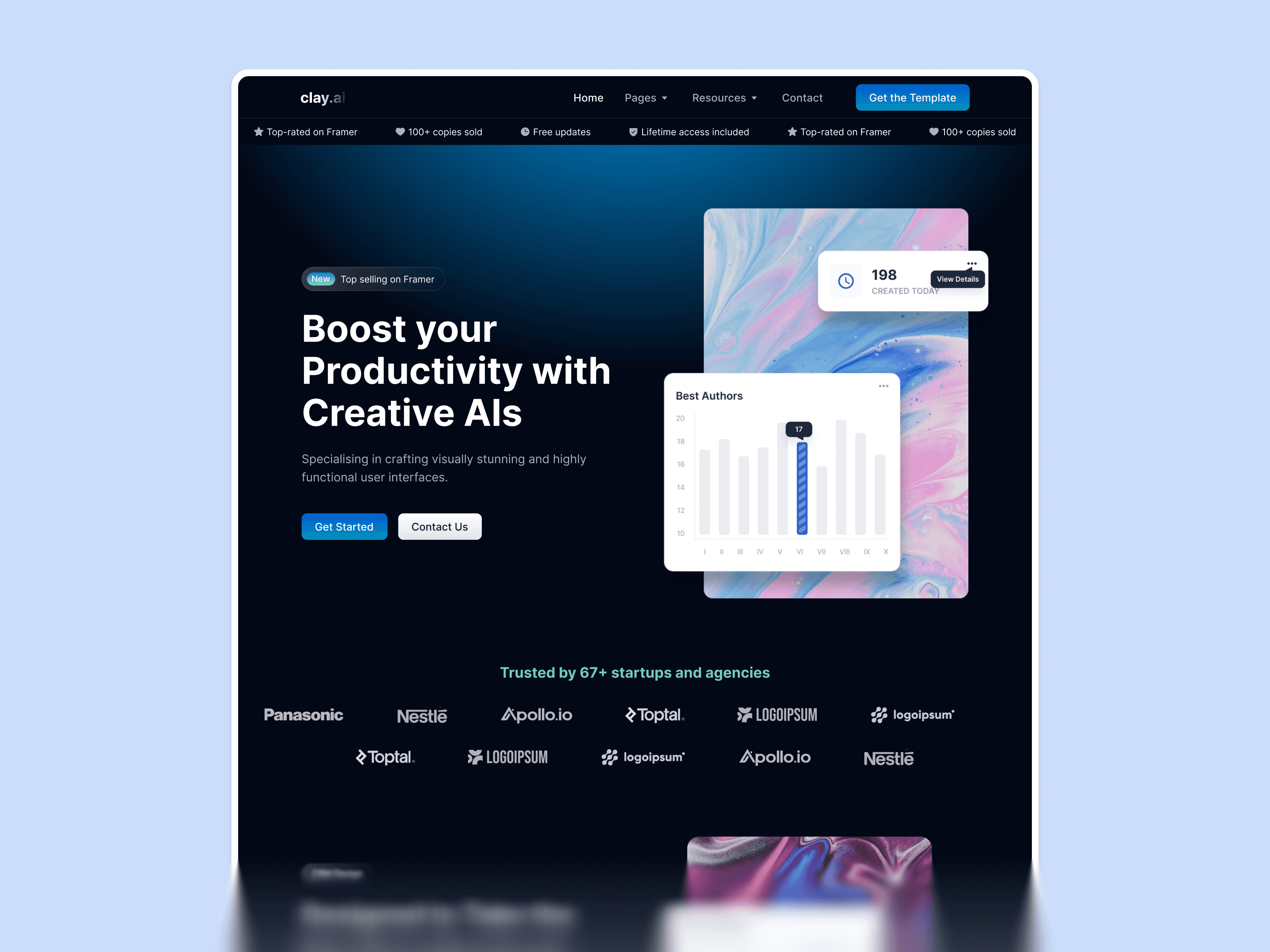
ClayAI is the most conversion-engineered template in the Webflow SaaS collection — built for AI startups and multi-feature SaaS platforms that need to explain a complex, multi-capability product to a non-technical buyer without losing them in the first scroll. The hero leads with an outcome that any knowledge worker immediately connects to, then anchors credibility with early social proof and a recognizable client logo grid — exactly the trust structure that an AI product without a household name needs to convert cold visitors into trial users or demo requests.
The product UI mockup front and center in the hero answers the single most important question on any AI SaaS product page — what does it actually look like — before a visitor has to book a demo or start a trial to find out. The multi-section feature breakdown is structured specifically for complex SaaS products with multiple capability layers that cannot be adequately communicated in a single features section — which describes almost every serious AI SaaS product on the market today.
Best for: AI SaaS platforms, multi-feature productivity tools, SaaS products targeting agencies and growing teams as their primary buyer, and any SaaS founder who needs to explain a genuinely complex product to a buyer who may not be a technical expert and is making a purchase decision primarily based on perceived value, social proof, and first impression of product quality.
What's included:
Dark design system with distinctive visual identity and product UI mockup hero
Early social proof with client logos and user count trust signals
Multi-section feature breakdown for complex SaaS capability presentation
Integration and partner showcase section
Pricing table with plan comparison and recommended plan highlight
Testimonials section with named client attribution
Webflow CMS for blog, case studies, and product changelog
Why it stands out: ClayAI is the strongest cold-visitor conversion template in the Webflow SaaS collection. The combination of product UI in the hero, early social proof placement, and structured multi-section feature breakdown addresses the three questions every SaaS visitor asks within the first scroll — what does this do, who else uses it, and how does it work. For any AI SaaS founder who needs to explain a complex product to a buyer encountering it for the first time, ClayAI is the most complete and conversion-optimized starting point in the Pentaclay Webflow library.

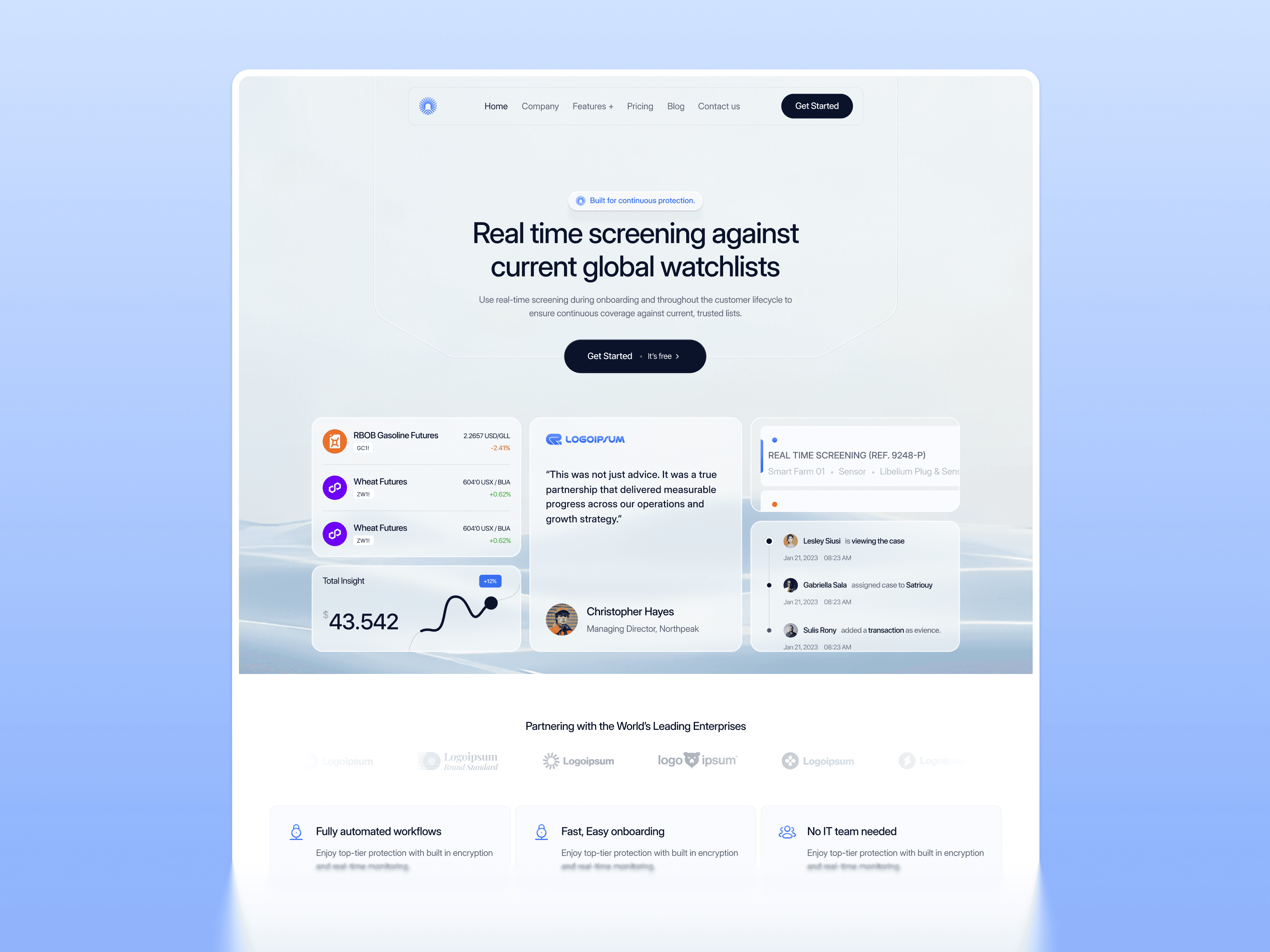
Saatify is the most accessible entry point in the Webflow SaaS collection — a clean, structured SaaS template built for B2B software products and marketing platforms that need to explain a professional offering clearly and drive trial signups or demo requests from a business audience without a complex, feature-heavy page structure. The transformation-led hero, feature breakdown, transparent pricing section, and social proof placement address the specific credibility signals that B2B SaaS buyers evaluate before they will consider connecting a new platform to their existing workflow or recommending it internally.
The design system is clean and professional rather than dramatically futuristic — reflecting the fact that most B2B SaaS buyers evaluate reliability and organizational credibility before visual innovation. The conversion flow is direct: hero communicates the outcome, features build understanding, social proof addresses skepticism, pricing makes the decision easy, CTA converts. This is the correct conversion sequence for a B2B SaaS product where the buyer is making a considered professional decision rather than an impulsive consumer one.
Best for: B2B SaaS products, marketing technology platforms, business productivity software, professional tools targeting team leads and operations buyers, and any SaaS founder who needs a clean, professional product website that communicates credibility and drives conversions without requiring a complex, elaborate page structure that demands extensive customization before it can go live.
What's included:
Clean, professional B2B SaaS design system with structured content hierarchy
Transformation-led hero with clear value proposition and primary CTA
Feature breakdown structured for B2B product capability presentation
Integration logos and tech stack compatibility showcase
Transparent pricing table with plan comparison
Social proof and client testimonials section
Webflow CMS blog section for content marketing and SEO
Why it stands out: Saatify is the right starting point when you need a professional, credible SaaS website that communicates your product clearly and converts visitors — without spending weeks on customization before you can launch. The clean conversion flow, professional design system, and accessible price point make it the strongest value in the Webflow SaaS collection for early-stage B2B SaaS founders who need to get a credible web presence live quickly so they can focus on the product and the customers rather than the website.
How to Choose the Right Webflow SaaS Template
The decision comes down to three factors: your product category, your primary buyer, and the specific conversion challenge your SaaS faces at its current stage.
If your SaaS targets enterprise or mid-market B2B buyers — Zenquity is purpose-built for the enterprise sales motion. The demo-request CTA structure, enterprise social proof placement, and structured capability breakdown reflect how B2B software is actually evaluated and purchased by risk-averse business buyers with multiple stakeholders involved in the decision.
If you are building an AI writing, productivity, or workflow SaaS product — Gilberto's visual sophistication and multi-panel UI showcase communicate product depth immediately. The right investment when your website's design quality is itself a signal of your product's technical quality and the seriousness of your team.
If you are building a chatbot, AI agent, or conversational AI SaaS product — Chatpilot is the only template in this collection built specifically for dialogue-driven product experiences. The chat UI in the hero, the operational metrics, and the step-by-step explanation section are purpose-built for your product type and your buyer's evaluation process.
If you are launching a complex AI SaaS platform or multi-feature product — ClayAI is the strongest cold-visitor conversion template in the collection. The product UI hero, early social proof, and multi-section feature breakdown address every question a new visitor asks within the first scroll.
If you are building a B2B or marketing SaaS product at the early stage — Saatify is the most accessible and fastest-to-launch professional starting point. The clean conversion flow and professional design system get you to a credible published website quickly without extensive customization overhead.
On licensing: templates in this collection are available at single-site license prices of $59 to $79. If you are managing multiple SaaS products or building sites for SaaS clients, the All Access plan at $169/year covers unlimited websites across the entire Pentaclay library — 15+ Webflow templates, 50+ Framer templates, and 60+ Figma templates — making the per-project cost significantly lower than individual template purchases.
Frequently Asked Questions
What are the best Webflow SaaS templates?
The strongest options in the Pentaclay Webflow library for SaaS products are Zenquity, Gilberto, Chatpilot, ClayAI, and Saatify — each purpose-built for a different SaaS product type and buyer. Zenquity is the most complete for enterprise B2B SaaS. ClayAI is the strongest cold-visitor conversion template for complex AI SaaS. Chatpilot is the only one built specifically for conversational AI and chatbot products. Saatify is the most accessible and fastest-to-launch entry point for early-stage B2B SaaS founders.
Can I customize a Webflow SaaS template for my specific product?
Yes. All templates are fully customizable in Webflow's Designer without code. Typography, colors, layout sections, images, and copy are all editable directly in the visual interface. Webflow's component system means brand-level changes — updating your primary color, swapping your logo, adjusting your typographic scale — propagate across all pages simultaneously, making the customization process significantly faster than platforms that require page-by-page editing.
Do these Webflow SaaS templates include pricing sections?
Yes. Every template in this collection includes a pre-built pricing section. Zenquity, Gilberto, Chatpilot, ClayAI, and Saatify all include plan comparison layouts with feature checklists, recommended plan highlighting, and CTA buttons per plan. Monthly and annual billing toggle support is included in the templates where it is most relevant. You can also browse templates specifically by this feature at Webflow Templates with Pricing Table.
Are Webflow SaaS templates SEO-friendly?
All Pentaclay templates are built with clean HTML structure, semantic heading hierarchy, and performance-optimized Webflow code. You control title tags, meta descriptions, canonical URLs, and Open Graph fields at the page level through Webflow's native SEO settings. Templates with Webflow CMS blog sections give you the content marketing infrastructure to build organic authority from day one — which is particularly important for SaaS products where content-led growth is a primary acquisition strategy. Browse Webflow Templates with Blog for options with full CMS blog infrastructure pre-configured.
Do I need a Webflow subscription to publish my SaaS website?
Yes — a Webflow hosting plan is required to publish on a custom domain. Webflow's Basic plan ($14/month) covers a single static site. The CMS plan ($23/month) is recommended for SaaS templates with blog, changelog, and dynamic content sections — which describes most of the templates in this collection. The template purchase is a one-time cost separate from the ongoing Webflow hosting subscription.
Can I scale my SaaS website as my product grows?
Yes. All templates in this collection are built with scalability in mind — Webflow CMS structures that accommodate growing content libraries, page architectures that support new sections and feature pages, and design systems that remain coherent as you add new pages over time. You will not outgrow the template structure as your product matures and your content marketing grows.
What is the difference between a single license and All Access?
A single-template license covers one website at prices ranging from $59 to $79. The All Access plan at $169/year covers unlimited websites across the entire Pentaclay library — 15+ Webflow templates, 50+ Framer templates, and 60+ Figma templates. All Access is the best value if you are managing more than two SaaS products or building SaaS sites for clients alongside your own product.
The five templates on this page — Zenquity, Gilberto, Chatpilot, ClayAI, and Saatify — cover the full spectrum of SaaS product types the Pentaclay Webflow collection serves: enterprise B2B platforms, AI writing and productivity tools, conversational AI and chatbot products, complex multi-feature AI SaaS, and early-stage B2B and marketing platforms.
Prices range from $59 to $79 for a single-site license with lifetime updates. All five have live previews of every page before purchase. Browse, compare, and buy when you are ready — or unlock unlimited access to the full library with the All Access plan at $169/year.
👉 Browse all Webflow SaaS templates · See best Webflow AI templates · Compare best Webflow startup templates · Compare Framer SaaS templates · Framer vs Webflow — which is right for your SaaS?


