Webflow Template Buying Guide
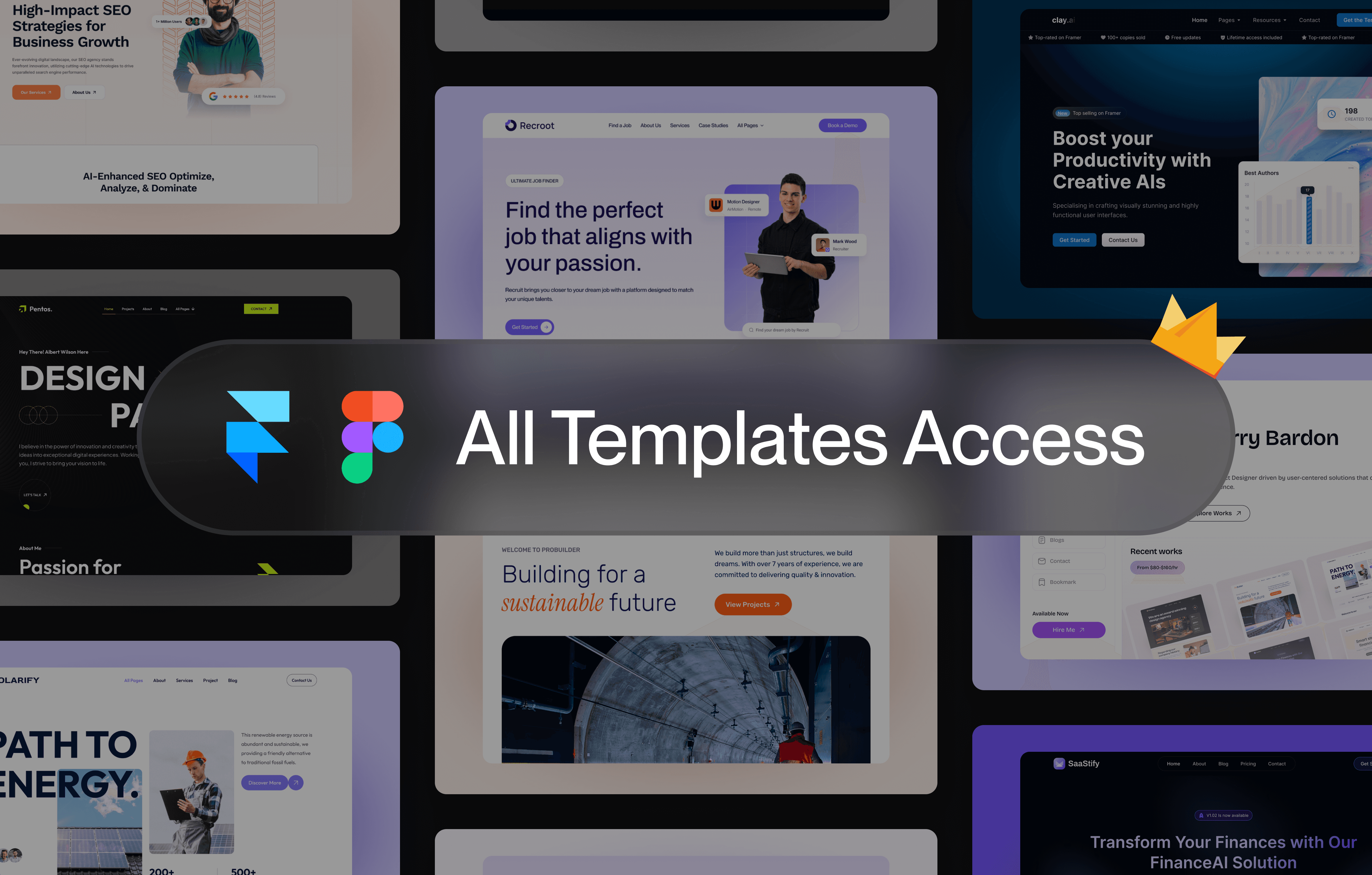
Modern Webflow website templates provide pre-built layouts, CMS systems, responsive sections, and conversion-focused page structures that help businesses reduce development time while improving SEO and user experience.
Unlike traditional website builders with rigid themes and limited customization, Webflow offers a visual development environment where templates can be customized extensively without sacrificing performance or flexibility.
However, choosing the right template is critical.
A poorly structured template can create:
weak SEO architecture
poor mobile responsiveness
difficult customization workflows
slow-loading pages
limited scalability
On the other hand, selecting the best Webflow templates can help businesses:
launch websites faster
improve conversions
scale content systems
strengthen branding
improve search engine visibility
This Webflow template buying guide explains how to evaluate templates before purchasing so you can choose the right solution for your business goals.
Whether you are building:
this guide will help you understand how to choose Webflow templates that combine SEO performance, responsive UX, scalable CMS systems, and modern design flexibility.
You can also learn more through our Webflow Template Customization Guide.
Why Webflow Templates Have Become So Popular
Webflow has become one of the fastest-growing website platforms because it combines:
visual editing
responsive design systems
CMS scalability
SEO-friendly architecture
modern animations
flexible customization
Unlike traditional page builders, Webflow allows users to control layout, structure, responsiveness, and interactions visually while still maintaining clean front-end architecture.
Modern businesses now use Webflow templates because they:
reduce development time
improve launch speed
simplify website management
provide scalable CMS systems
improve SEO workflows
For startups and agencies, templates make it possible to launch websites quickly without sacrificing quality.
If you are comparing platforms, explore our guide on Webflow vs Framer for Startups.
Businesses launching scalable products should also explore:
Types of Webflow Templates
Different types of Webflow templates are designed for different business goals and industries. Understanding template categories helps buyers choose structures that align with their website strategy.
Business Website Templates
Business templates are designed for companies that want professional online presence and lead-generation systems.
These templates usually include:
homepage
services page
about page
contact page
CTA sections
testimonials
Business templates focus heavily on:
trust-building
responsive UX
conversion-focused structure
SEO scalability
Explore:
Startup & SaaS Templates
Startup and SaaS templates are designed for technology companies, AI startups, fintech businesses, and software platforms.
Key features often include:
onboarding-focused UX
pricing systems
dashboard previews
feature sections
testimonials
FAQ layouts
product storytelling
Modern SaaS templates help startups improve:
user onboarding
free-trial conversions
product clarity
SEO scalability
Explore:
Agency Templates
Agency templates are built for:
marketing agencies
SEO firms
consulting businesses
creative studios
branding agencies
These templates typically include:
service hierarchy
portfolio systems
case studies
inquiry forms
testimonials
lead-generation structure
Agency templates prioritize authority positioning and client acquisition.
Explore:
Portfolio Templates
Portfolio templates are ideal for:
designers
photographers
developers
freelancers
creative professionals
Portfolio websites focus heavily on:
visual storytelling
project galleries
responsive layouts
personal branding
premium UX
Explore:
Ecommerce Templates
Ecommerce templates help businesses build online stores with:
product pages
checkout systems
category pages
product galleries
conversion-focused UX
Modern ecommerce templates focus heavily on:
responsive shopping experiences
product visibility
SEO scalability
mobile performance
Explore:
Webflow Template Pricing Guide
Webflow template pricing varies depending on:
design quality
CMS complexity
included pages
animation systems
scalability
SEO structure
Free Webflow Templates
Free templates are useful for:
testing Webflow
personal projects
prototypes
learning website structure
However, free templates often have:
limited CMS systems
weaker design systems
reduced scalability
minimal SEO optimization
Budget Templates ($20–$50)
Budget templates often include:
responsive layouts
modern structure
pre-built pages
better UX systems
These templates work well for:
freelancers
creators
small businesses
early-stage startups
Premium Templates ($50–$150+)
Premium templates usually include:
advanced CMS systems
complex layouts
SEO-ready architecture
scalable design systems
modern animations
premium onboarding UX
Premium templates are often worth the investment because they reduce development costs and customization time significantly.
Explore:
Features to Look For Before Buying Webflow Templates
Responsive Design
Responsive design is one of the most important factors in modern websites.
A high-quality template should adapt smoothly across:
desktops
tablets
mobile devices
Mobile-first UX is essential because most users browse websites using smartphones.
CMS Support
CMS functionality allows businesses to manage:
blog posts
case studies
portfolios
services
resources
Templates with scalable CMS systems support long-term SEO growth and content marketing.
Explore:
SEO-Friendly Structure
SEO-ready templates include:
clean heading hierarchy
optimized layouts
semantic structure
fast-loading pages
scalable content systems
SEO architecture helps improve:
Google rankings
indexing
content scalability
long-tail traffic
Learn more:
Layout Flexibility
Flexible templates allow businesses to customize:
hero sections
feature blocks
service layouts
testimonials
CTA systems
This flexibility becomes important as businesses scale.
Conversion-Focused UX
The best Webflow templates focus heavily on:
CTA hierarchy
inquiry systems
onboarding flow
lead generation
trust-building UX
A visually attractive website alone is not enough if it cannot convert visitors effectively.
Businesses requiring advanced lead-generation systems can explore:
Common Mistakes Buyers Should Avoid
Choosing Templates Only for Visual Design
Many buyers prioritize appearance while ignoring:
scalability
SEO structure
CMS flexibility
mobile UX
A beautiful template with poor structure can create long-term limitations.
H3: Ignoring CMS Functionality
Without CMS systems, scaling blogs, portfolios, and case studies becomes difficult.
Always verify whether a template supports CMS functionality before purchasing.
Explore:
Poor Mobile Optimization
Many templates look impressive on desktop but perform poorly on mobile devices.
Always test:
responsiveness
typography scaling
spacing
mobile navigation
mobile loading speed
Choosing Overly Complex Templates
Some templates include excessive animations and complicated layouts that reduce usability.
Well-structured, scalable templates usually perform better than visually overloaded designs.
How to Choose the Right Webflow Template
Before purchasing, ask:
What type of website am I building?
Will I need CMS scalability?
Does the template support SEO growth?
Is the structure conversion-focused?
Does the mobile UX perform well?
Can the layout scale with future business growth?
The best templates combine:
responsive UX
SEO architecture
scalable CMS systems
conversion-focused layouts
flexible customization
Whether you need:
choosing the right structure will improve both SEO performance and long-term scalability.
Frequently Asked Questions
Are Webflow templates customizable?
Yes. Webflow templates can be customized extensively, including layouts, typography, animations, CMS systems, colors, and responsive structure.
Are Webflow templates SEO-friendly?
Many modern Webflow templates are built with SEO-friendly architecture, responsive layouts, and scalable CMS systems.
Learn more:
Can beginners use Webflow templates?
Yes. Templates provide an excellent starting point for beginners who want professional websites without building everything from scratch.
How long does it take to customize a Webflow template?
Customization time depends on complexity, but many websites can launch within days using professionally built templates.
Webflow templates have become one of the most effective ways for businesses, startups, creators, and agencies to launch modern websites quickly while maintaining professional design quality.
However, choosing the right template requires evaluating:
responsive UX
SEO structure
CMS scalability
conversion-focused layouts
long-term flexibility
The best Webflow templates provide more than visual design — they create a scalable foundation for SEO growth, authority positioning, lead generation, and modern digital branding.
Whether you are building:
selecting the right Webflow template can significantly improve launch speed, website quality, and long-term business growth.
Explore more: